Access that fits each role
Give reception, practitioners and other team members access to the parts of Practice Master Pro they need for their work.
Explore access permissions →Bring your diary, online bookings, patient records and everyday admin together with Practice Master Pro. Keep reception and practitioners in step, from the first booking to the finished patient notes.
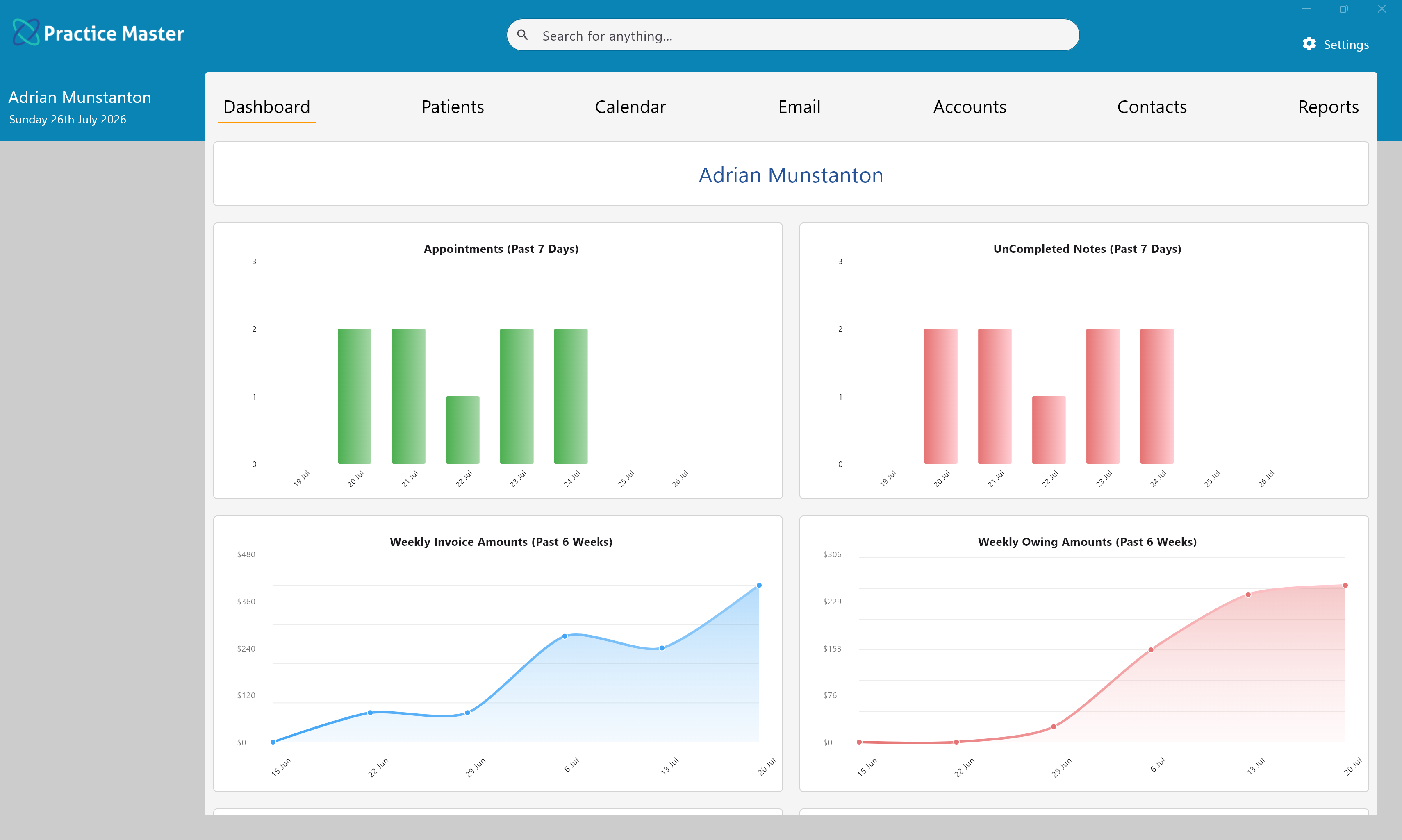
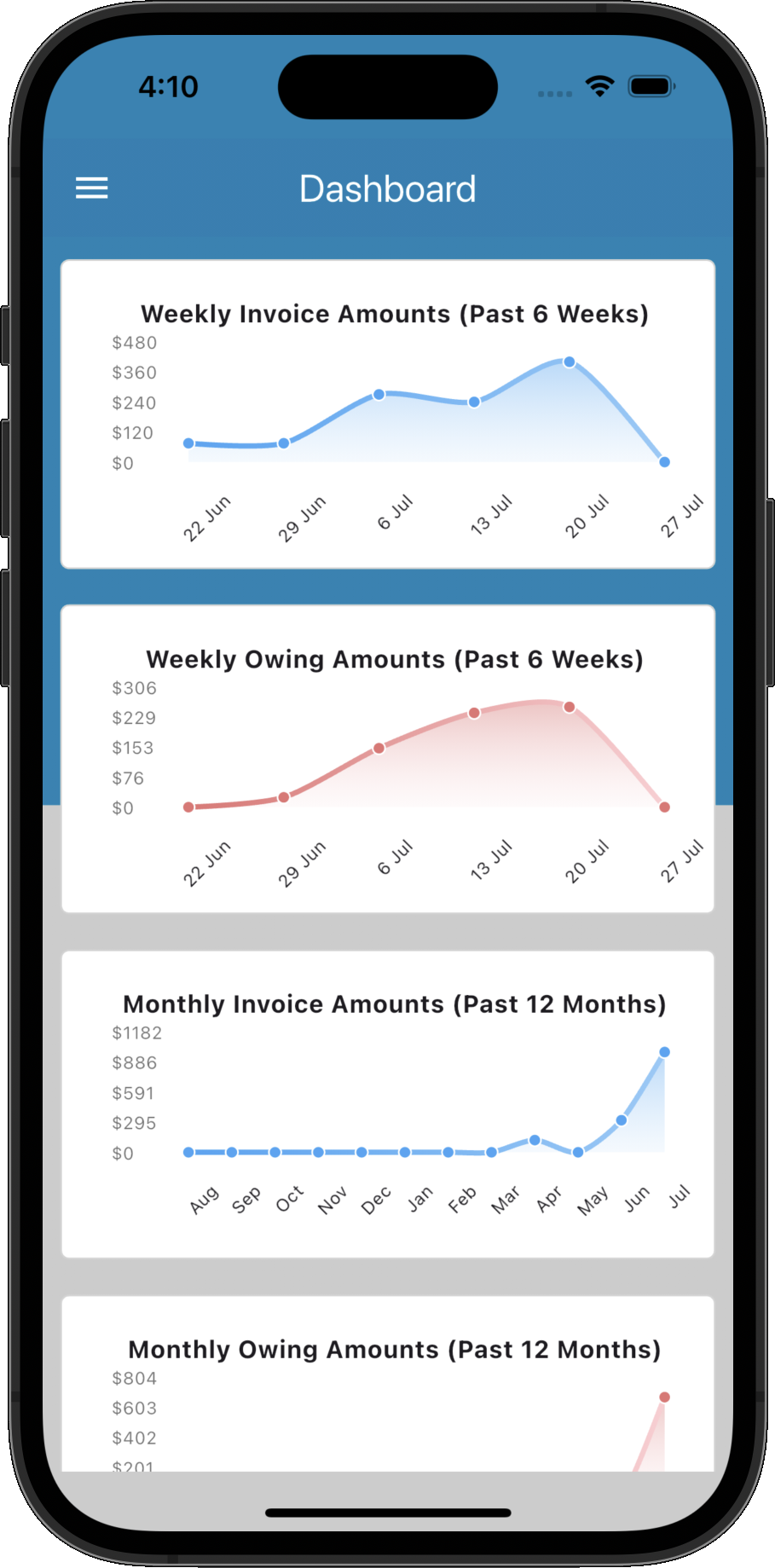
Keep bookings, patient details and daily tasks connected. Give your team the information they need without re-entering details or chasing paperwork.
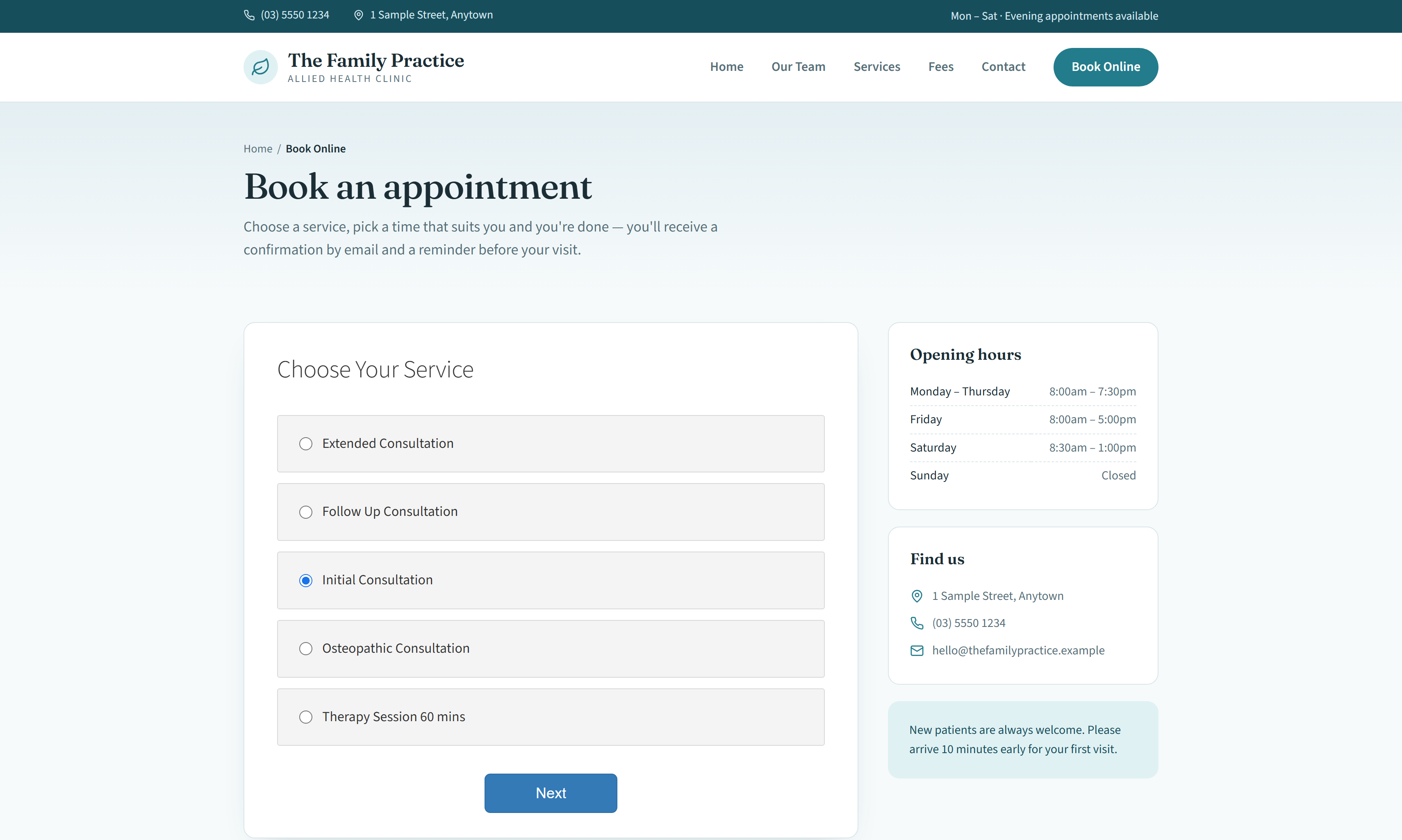
Let patients book online 24/7. Existing patients can be matched to their record while new patients can be added to the practice without reception re-keying every booking.
Automate appointment reminders by SMS, email or a combination of both, with different reminder schedules for different services.
Coordinate practitioners across multiple rooms and practice locations, with schedules and availability kept together in the same system.
Run different modalities side by side, with flexible services, schedules and clinical templates to suit the way each practitioner works.
View practitioners side by side and use Availability Mode to find suitable appointment times for your patients.
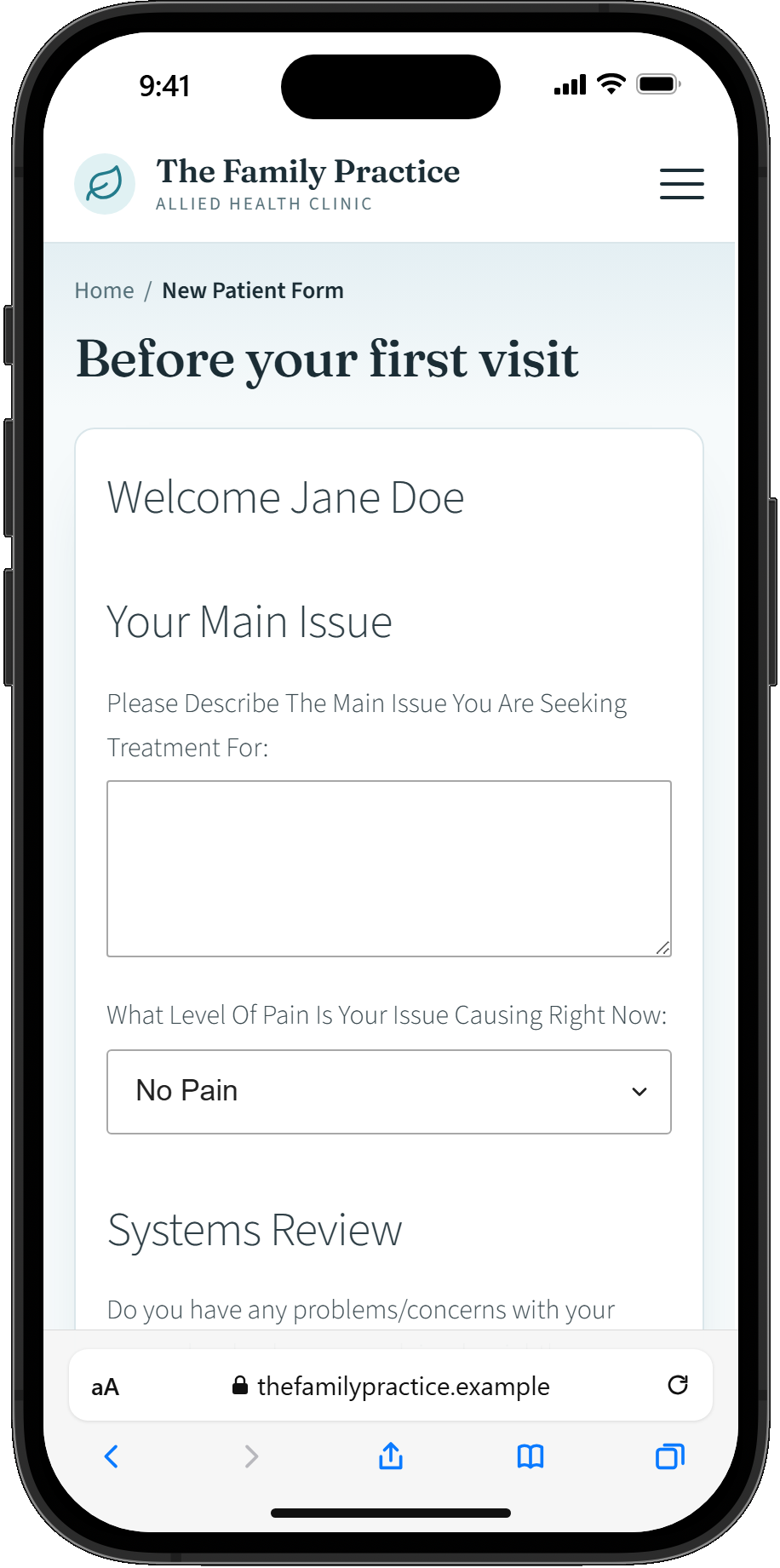
Collect patient information before the first appointment and have their answers available inside Practice Master Pro when they arrive.
A busy calendar should make booking easier, not become another puzzle for reception. Give practice managers and reception staff a clear view of practitioner schedules, with availability that accounts for working hours, services, locations and appointment lengths. Spend less time hunting for gaps and more time helping patients find a suitable appointment.
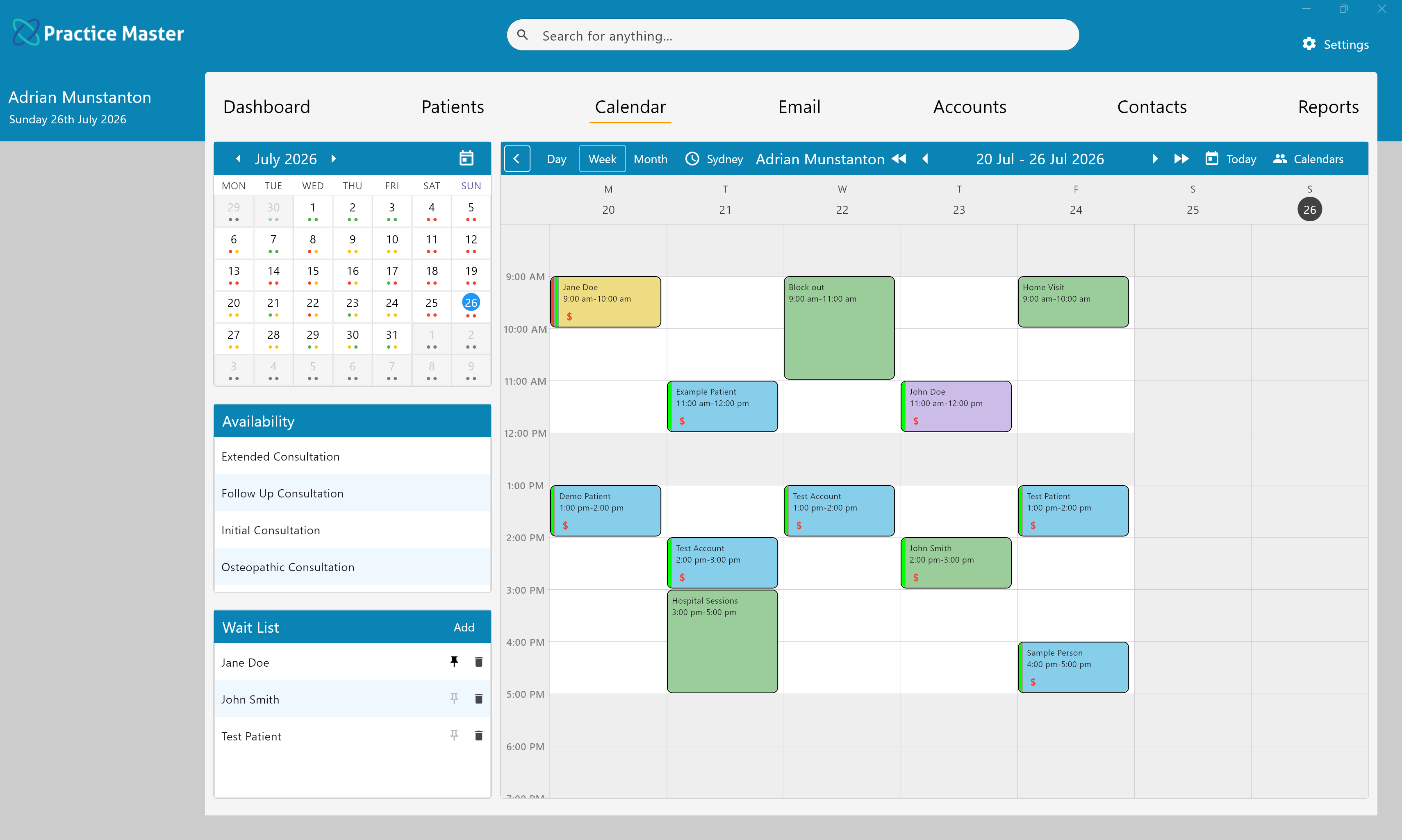
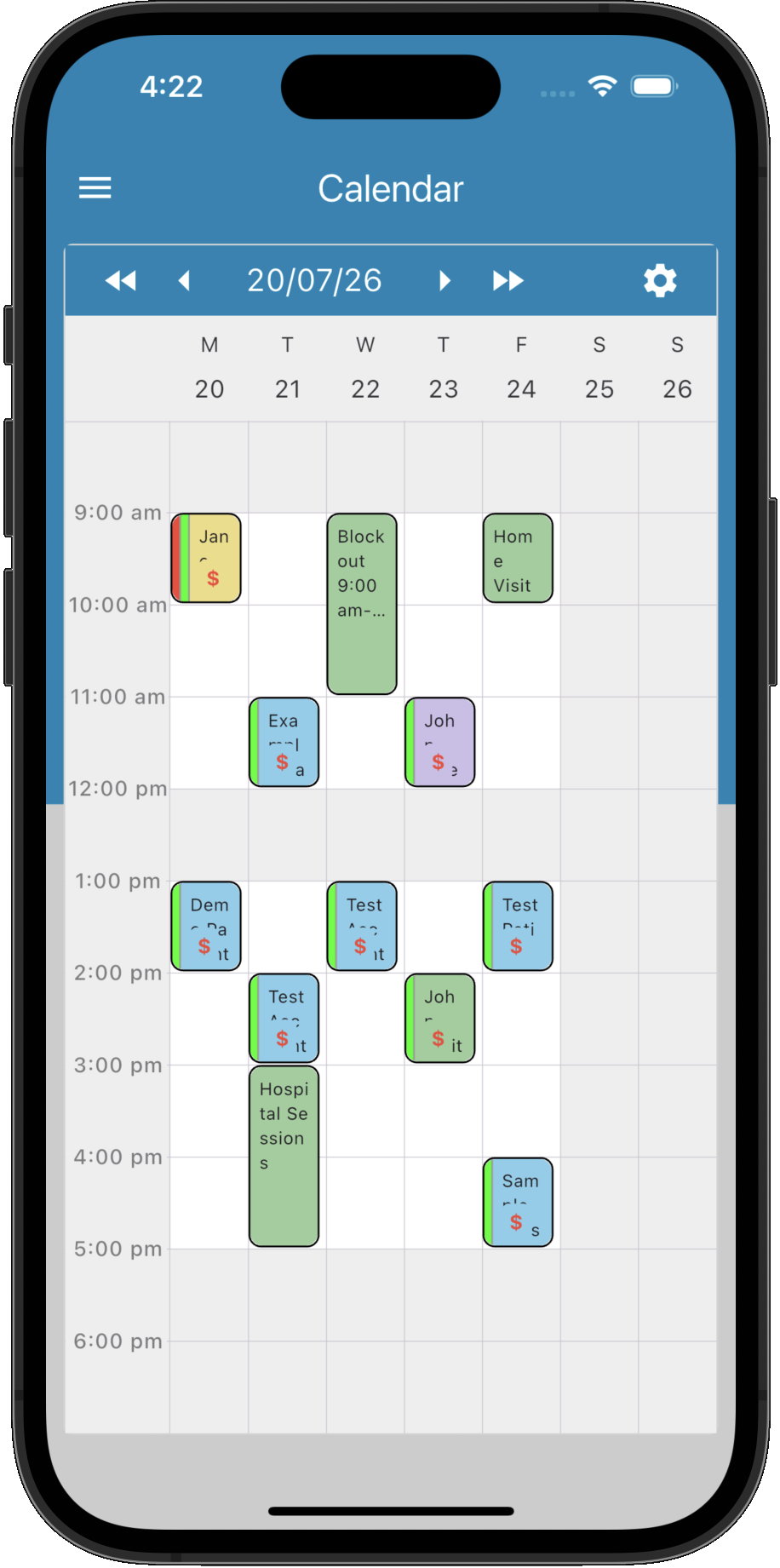
Give patients the convenience of booking online while you manage your practice from one connected calendar. Online bookings feed back into Practice Master Pro alongside appointments made by your team, keeping reception and practitioners working from the same diary.
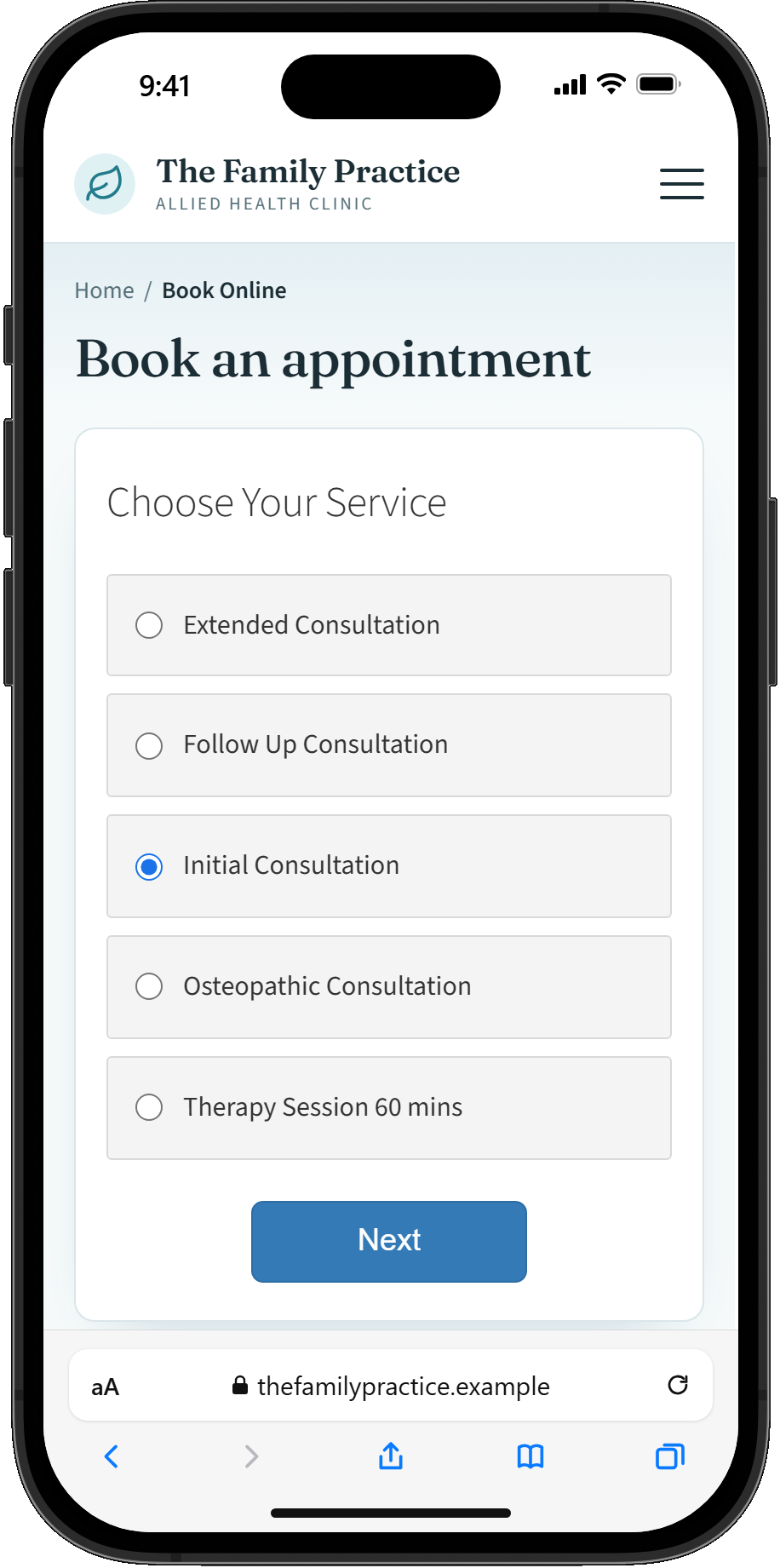
Appointment reminders take a recurring practice management task off your team's daily list. Set up SMS and email reminders around the way your practice works, with different schedules for different services. Combine email and SMS so patients receive the right message at the right time.
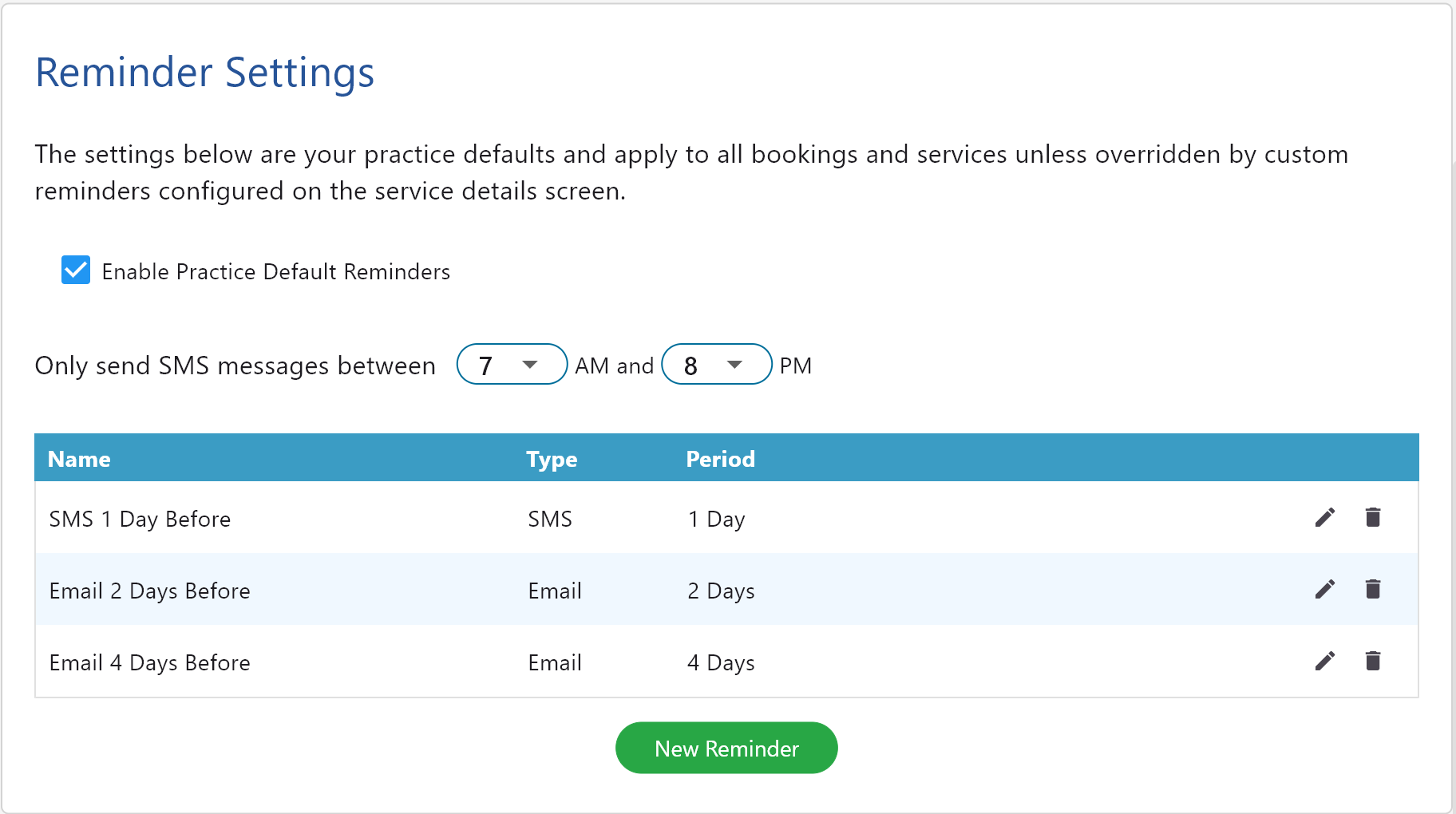
Collect the information you need before the appointment and give patients less paperwork to complete at reception. Submitted details flow back into your practice management software, where they stay connected to the patient record and are ready for your team when the patient arrives.
Whether you work alone or run a multi-location, multi-disciplinary clinic, keep your team connected with shared schedules, flexible services and templates that suit each practitioner.
Give reception, practitioners and other team members access to the parts of Practice Master Pro they need for their work.
Explore access permissions →Connect each booking to the patient record, with custom note templates for the different disciplines in your practice.
Explore patient notes →Move from patient care to accounts within the same system, with billing tools alongside your patient information.
Explore patient billing →Access your cloud-hosted practice through dedicated apps for Windows, Mac, iPhone, iPad and Android. At reception, in a treatment room or across locations, your authorised team works with the same up-to-date information.
Use Practice Master Pro at reception, in a treatment room, from another practice location or from your mobile device.
Changes are stored centrally so your team is working from the same current information rather than separate local copies.
Your practice data is hosted centrally in the cloud, so you can work across supported devices and locations.
Try Practice Master Pro free for 14 days. Explore the diary, bookings and patient workflows for yourself, or book a demo to talk through your practice's needs.